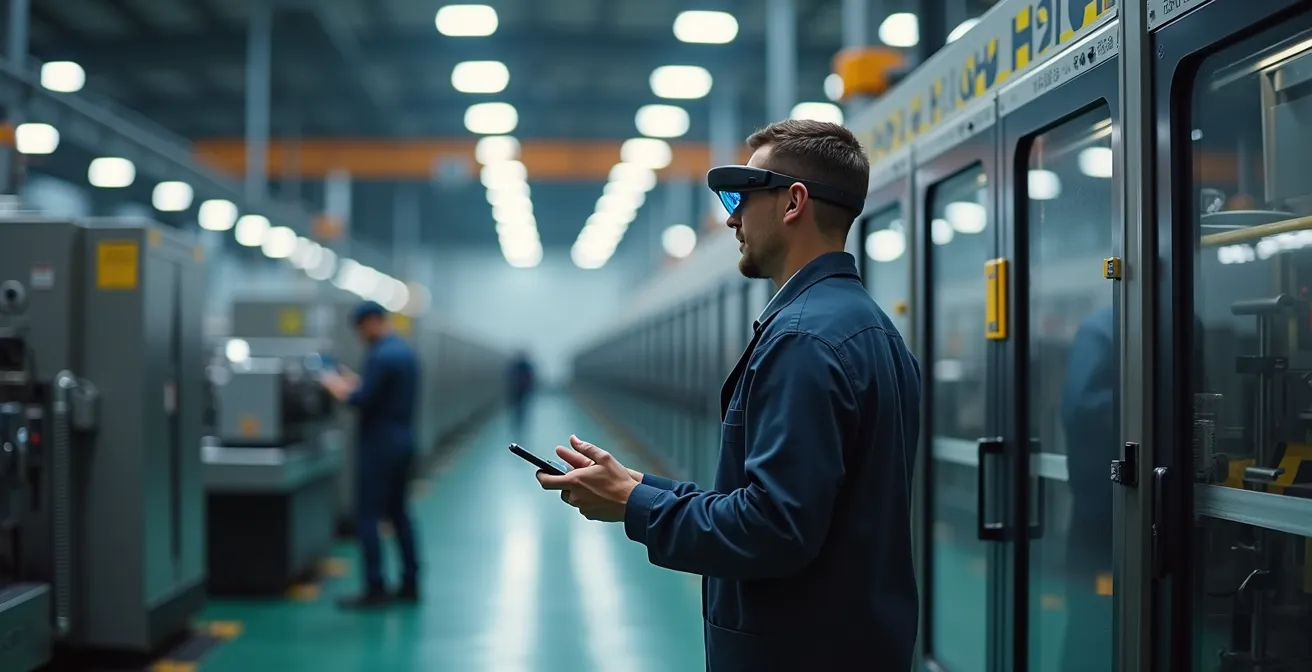
Traditional training is obsolete; AR/VR isn’t just technology, it’s a methodology that compresses experience to build skilled operators faster and safer.
- Virtual Reality (VR) cuts onboarding time by up to 50% by creating risk-free, repeatable practice environments.
- Augmented Reality (AR) provides instant, hands-free expert guidance on the factory floor, slashing equipment downtime and operator errors.
Recommendation: The most effective first step is to identify one critical, high-risk procedure and convert your existing CAD models into a pilot VR training module.
For any training manager in a high-risk sector, the dilemma is universal. A senior engineer, your most valuable asset, is pulled from production for weeks to shadow a new hire. The cost isn’t just their salary; it’s the lost productivity, the potential for inconsistent training, and the ever-present risk of a costly mistake on live machinery. This apprenticeship model, while traditional, is a significant drain on resources and a bottleneck to scaling your workforce effectively. The core belief has always been that nothing can replace hands-on experience.
But what if experience itself could be synthesized? What if you could compress a year of on-the-job lessons into a week, without a single minute of production loss or safety risk? This isn’t science fiction; it is the core principle of immersive learning, powered by Augmented and Virtual Reality (AR/VR). These technologies are not mere high-tech novelties; they are learning accelerators. They function by replicating the cognitive and motor processes of real-world work, allowing new staff to build procedural memory and decision-making skills in a perfectly safe, controlled, and infinitely repeatable digital environment.
This article moves beyond the hype to provide a strategic framework for implementation. We will dissect the true, hidden costs of traditional training, show you how to leverage assets you already own—like CAD files—to build your first VR environment, and navigate the practical choices between different AR hardware for real-world maintenance tasks. We’ll also address the critical implementation errors that can derail a program and demonstrate how to empower your team with remote expertise, transforming your operational efficiency from the ground up.
To guide you through this technological and pedagogical shift, this article is structured to answer your most pressing questions, from initial justification to practical deployment and optimization.
Summary: AR and VR in Industry: Training New Staff 40% Faster Without Risking Machinery
- Why shadowing senior staff is the most expensive way to train new hires?
- How to build a VR environment from your existing CAD models?
- Hololens vs Tablet AR: which is practical for greasy-handed maintenance?
- The VR implementation error that makes 10% of your staff nauseous
- How to use AR glasses to let experts guide field repairs from HQ?
- How to run usability tests on factory floors without disrupting production?
- How to write Standard Operating Procedures (SOPs) that operators actually read?
- Reducing Operator Error by 40%: The Hidden Impact of UX on Industrial HMI
Why shadowing senior staff is the most expensive way to train new hires?
The direct salary of a new hire is only the tip of the iceberg. The true cost of traditional job shadowing lies in the massive, often unmeasured, drain on your most valuable resources: your senior experts and your production uptime. When an experienced technician spends a month mentoring, their own productivity can drop by 30-50%. This isn’t just a loss of their output; it’s a bottleneck for critical tasks only they can perform. This method also introduces variability; the quality of training depends entirely on the mentor’s teaching ability and patience, leading to inconsistent skill levels across your team.
In contrast, immersive learning offers a standardized, scalable, and dramatically more efficient alternative. Industry data shows that VR training reduces the time for onboarding new hires by up to 50%. This isn’t just about speed; it’s about effectiveness. Trainees in a VR environment can practice complex procedures dozens of times, including rare but critical emergency scenarios, until the actions become procedural memory. This is something impossible to replicate in real-world shadowing without significant risk and production disruption.
Case Study: Pfizer’s Vaccine Production Acceleration
During the critical push for vaccine production, Pfizer faced the challenge of rapidly training a new manufacturing workforce. By replacing traditional methods with VR, the company transformed its dense, 100+ page Standard Operating Procedures into interactive training experiences. The results were transformative: Pfizer not only reduced training time by 40% but also reported an astonishing 300% improvement in training quality, all while eliminating the need for extensive and risky job shadowing on the live production line.
The financial argument becomes undeniable when you quantify the hidden costs: the opportunity cost of your senior staff’s time, the measurable production slowdowns during training periods, and the potential cost of errors or safety incidents. VR training directly mitigates all three, allowing new hires to reach full autonomy and productivity significantly faster.
How to build a VR environment from your existing CAD models?
The prospect of creating a VR training simulation can seem daunting, often evoking images of expensive, time-consuming game development. However, the barrier to entry is far lower than most training managers realize. The key lies in leveraging digital assets you already possess: your engineering team’s 3D Computer-Aided Design (CAD) models. These highly detailed and accurate models are the perfect foundation for building a realistic virtual training environment, or “digital twin,” of your machinery.
The process involves transforming these engineering-grade models into performance-optimized assets suitable for a real-time VR application. This conversion is not about recreating from scratch but about intelligently simplifying and preparing the existing data. It requires a pipeline that balances visual fidelity with the need to maintain a high, consistent framerate, which is crucial for user comfort and a believable experience. The goal is to reduce the model’s complexity from millions of polygons to a few hundred thousand, without losing the essential details an operator needs to recognize.
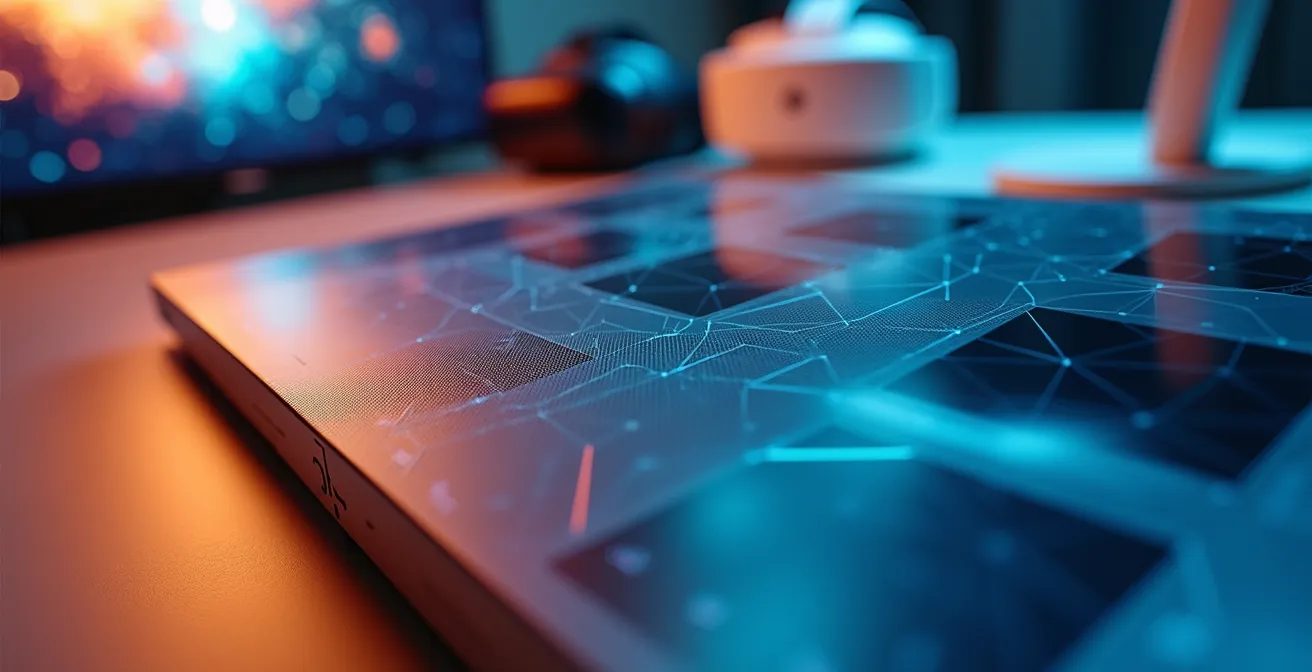
As the visual demonstrates, this is a process of digital transformation. The raw, complex geometry of the CAD file is methodically converted, textured, and optimized to create an interactive object that can be manipulated in the virtual world. This allows a trainee to practice assembling, operating, or maintaining the equipment just as they would in reality.
Your Action Plan: The CAD-to-VR Conversion Pipeline
- Export Models: Begin by exporting your CAD models in neutral formats like STEP or IGES to ensure maximum compatibility with conversion tools.
- Decimate Polygons: Use specialized software to perform polygon decimation, reducing the geometric complexity from millions to tens of thousands of polygons for real-time performance.
- Unwrap for Texturing: Apply UV unwrapping to the simplified models. This crucial step allows you to map 2D textures (like metal, plastic, or warning labels) onto the 3D surfaces correctly.
- Convert to Game Engine Format: Convert the prepared models into a game-engine-friendly format such as FBX or glTF, which will serve as the basis for the VR application.
- Add Physics and Interactivity: Within a game engine (like Unity or Unreal), add physics properties (mass, friction) and script interaction points to define which parts are grabbable, which buttons are pressable, and how components connect.
- Optimize and Test: Implement Level of Detail (LOD) systems, which use simpler versions of a model when it’s far away, and rigorously test on your target VR headset to ensure a stable 90Hz framerate.
Hololens vs Tablet AR: which is practical for greasy-handed maintenance?
Augmented Reality in an industrial setting is about delivering the right information to the right place at the right time. But the choice of hardware is critical for practicality and adoption. The two leading options—hands-free AR glasses like the HoloLens and ruggedized tablets—serve different needs, especially in a demanding environment like a factory floor. A common concern is the learning curve, but evidence suggests this is a minimal barrier; according to Forrester Consulting, 90% of employees adapt to AR/VR devices in less than an hour.
The primary deciding factor is the nature of the task. For a maintenance technician whose job requires both hands—to turn a wrench, hold a part, and operate a tool simultaneously—hands-free AR glasses are transformative. They overlay instructions, diagrams, or a remote expert’s video feed directly within the worker’s line of sight, eliminating the need to constantly look away at a screen. Conversely, a quality control inspector who needs to review large, complex schematics and has a free hand may find the larger screen and longer battery life of a tablet more suitable.
The following table breaks down the key practical considerations for “greasy-handed” work on the factory floor, helping you choose the right tool for the job.
| Factor | AR Glasses (HoloLens/Magic Leap) | Tablet AR |
|---|---|---|
| Hands-Free Operation | ✓ Full hands-free | ✗ Requires holding or mounting |
| Durability | IP52-IP67 rated models available | Rugged tablets: IP65-IP68 |
| Battery Life | 2-3 hours active use | 8-12 hours |
| Field of View | 40-70° depending on model | Full screen visibility |
| Voice Control | 90% accuracy in 85dB+ environments | Limited in noisy areas |
| Glove Compatibility | Voice/gesture control | Capacitive glove required |
Ultimately, for tasks involving manual dexterity and tool use, the ability to operate via voice commands and keep both hands on the equipment makes AR glasses the superior choice. The slight trade-offs in battery life are often a worthwhile price for the immense gains in efficiency and safety from true hands-free operation.
The VR implementation error that makes 10% of your staff nauseous
One of the most common and damaging myths about Virtual Reality is that it inherently makes people sick. While a small percentage of the population has a higher sensitivity, in a professional training context, nausea is almost always a symptom of poor application design, not a user problem. Ignoring the technical best practices for VR comfort can lead to a negative first impression that poisons the well for your entire program, potentially alienating up to 10% of your workforce. The root cause is a physiological phenomenon, not a software bug.
This discomfort, known as simulator sickness, stems from a sensory conflict in the brain. As Dr. Thomas Stoffregen of the University of Minnesota’s Human Factors Research facility explains, the core issue is a specific type of sensory mismatch:
Vection is a physiological response to a mismatch between perceived and actual movement. It’s not a bug, it’s the vestibular-ocular disconnect that occurs when your eyes tell your brain you’re moving but your inner ear disagrees.
– Dr. Thomas Stoffregen, University of Minnesota Human Factors Research
This vestibular disconnect is the key. When a user in VR moves using a joystick (smooth locomotion), their eyes see motion, but their inner ear, which governs balance, reports that they are stationary. This conflict is what triggers nausea. Fortunately, this is an entirely solvable engineering problem. By adhering to a set of established comfort-driven design principles, you can create VR experiences that are comfortable for nearly all users, even during long sessions.
VR Comfort Checklist: How to Prevent Simulator Sickness
- Maintain a High Framerate: Your application must maintain a minimum of 90Hz (90 frames per second) at all times. Dropping frames is the fastest way to induce nausea.
- Minimize Latency: Keep the motion-to-photon latency—the time between the user moving their head and the image updating—under 20 milliseconds.
- Use Teleportation for Movement: Implement “teleport” locomotion (instantly moving from point A to B) instead of smooth, joystick-controlled movement to avoid vection.
- Implement Fixed Reference Points: When movement is unavoidable, provide a static reference frame, like the cockpit of a vehicle, to ground the user and reduce the feeling of motion.
- Avoid Forced Camera Movements: Never take control of the camera away from the user. All head movements should be initiated by the user themselves.
- Provide a “Comfort Mode”: Include an option that dynamically reduces the field of view (vignetting) during movement, which is a highly effective technique for increasing comfort.
How to use AR glasses to let experts guide field repairs from HQ?
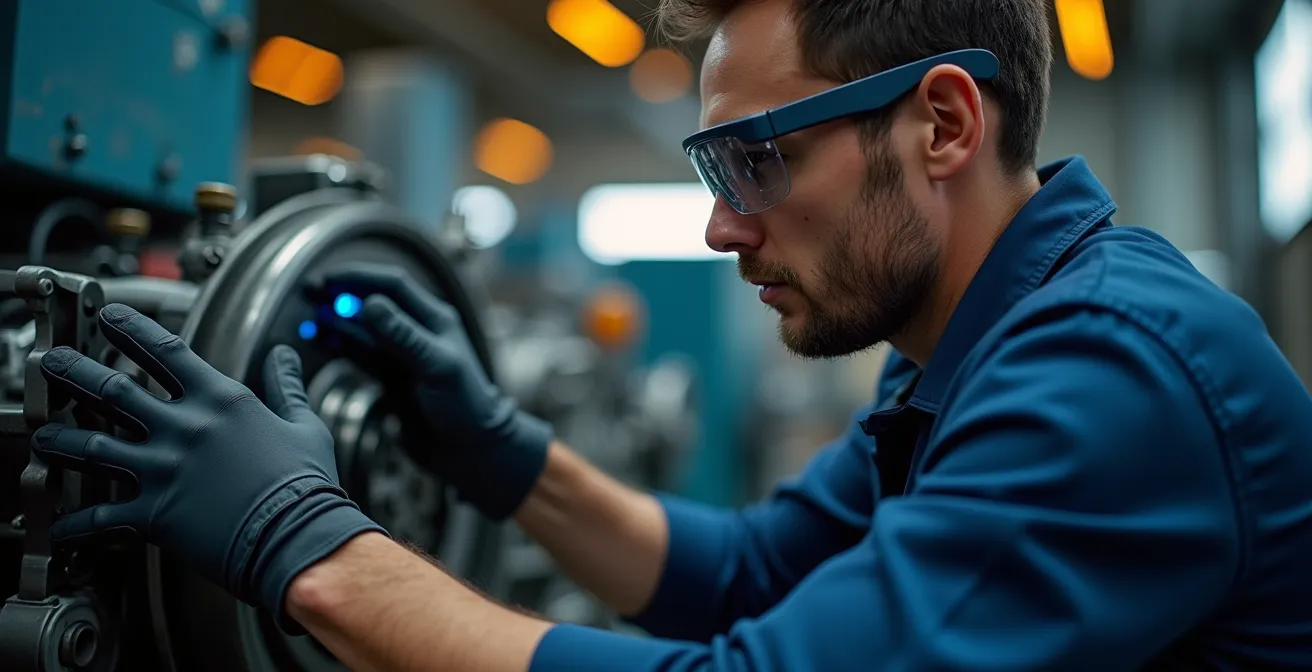
One of the most powerful applications of Augmented Reality in industry is its ability to eliminate distance as a barrier to expertise. With AR glasses, a technician on a remote site or a factory floor can instantly share their first-person point of view with your most senior engineer back at headquarters. This “see-what-I-see” capability transforms troubleshooting from a frustrating, multi-day process involving travel into an immediate, collaborative problem-solving session. This directly impacts your bottom line, as companies using remote AR assistance report a reduction in technical downtime by 40%.
The remote expert doesn’t just watch; they actively participate. They can annotate the technician’s real-world view with digital ink, drawing circles around the correct component, displaying arrows to show the direction to turn a valve, or overlaying step-by-step instructions directly onto the machinery. This method of remote assistance dramatically reduces the chance of error by removing ambiguity. The field technician no longer has to interpret verbal instructions (“the blue valve on the left”) but sees precise, contextual guidance anchored to the physical world.
Case Study: Novartis Slashes Downtime and Travel Costs
Pharmaceutical giant Novartis implemented a remote assistance system using AR smart glasses. This enabled their on-site technicians to share their field of vision with remote experts during complex equipment troubleshooting. The expert at HQ could then overlay diagnostic guidance and repair instructions directly into the technician’s view. This system not only reduced equipment downtime by 40% but also completely eliminated 60% of expert travel costs, generating a significant and immediate return on investment.
This technology effectively multiplies your expert workforce. A single senior engineer can support multiple junior technicians across different sites in a single day, a logistical impossibility with traditional travel. It’s a strategic tool for knowledge transfer, ensuring that critical skills are shared and leveraged across the entire organization in real time.
How to run usability tests on factory floors without disrupting production?
Implementing new AR or VR systems on a factory floor presents a classic catch-22: you need to test the usability of the system with real operators in their actual environment, but you cannot afford to disrupt production to do so. A clunky interface or confusing workflow can cause slowdowns and errors, defeating the purpose of the technology. The key to successful testing is a non-disruptive methodology that gathers crucial feedback without impacting operational efficiency. The first and most powerful tool for this is the digital twin.
By creating a VR replica of your factory floor and machinery, you can conduct the vast majority—up to 80%—of your usability testing in a completely virtual environment. Operators can run through procedures, interact with interfaces, and provide feedback without a single piece of physical equipment being taken offline. Companies like Siemens have pioneered this approach, using digital twins to refine systems and predict maintenance needs before they ever touch the actual production line, virtually eliminating disruption during the design and testing phases.
For the final phase of in-situ testing, the strategy shifts to “guerrilla” methods—quick, targeted tests that fit within the existing cracks of the production schedule. This involves being opportunistic and flexible, using moments of natural downtime to gather essential insights without ever needing to request a formal production halt. This approach respects the high-pressure environment of the factory floor and yields more authentic user behavior.
Action Plan: Non-Disruptive Usability Audit
- Points of Contact: Identify all user touchpoints for the new system. This includes the AR display, voice commands, hand gestures, and any connected tablet or device.
- Collect Existing Data: Inventory current SOPs, error logs, and operator feedback related to the target task. This provides a baseline to measure improvement against.
- Test in the Digital Twin: Conduct initial, extensive usability tests using a VR digital twin of the environment. Recruit operators to run through entire workflows, recording their interactions and collecting feedback via think-aloud protocol in this safe setting.
- Schedule Micro-Tests: For on-floor testing, schedule brief 5-10 minute tests with operators during their scheduled breaks or at shift changes. Focus on one specific task or interaction per session.
- Use Downtime for Integration: Leverage scheduled equipment maintenance periods to run more comprehensive tests. The equipment is already offline, providing a perfect window for testing the AR system in its intended context without disrupting production.
How to write Standard Operating Procedures (SOPs) that operators actually read?
The thick binder of Standard Operating Procedures (SOPs) is a familiar sight in any industrial facility, but it’s often more of a regulatory artifact than a practical tool. Operators rarely consult these dense, text-heavy documents in the middle of a task. The problem isn’t the operator; it’s the format. The human brain is not wired to effectively translate abstract, 2D instructions from a page into a complex, 3D action on a piece of machinery. This mental translation process increases cognitive load, which in turn leads to errors, inefficiency, and a tendency to rely on memory rather than procedure.
The solution is to stop writing SOPs that need to be “read” and start creating guidance that is “experienced.” Augmented Reality allows you to transform your static SOPs into interactive, 3D work instructions overlaid directly onto the equipment. Instead of reading a step, the operator sees it as a 3D animation projected onto the exact spot where the work needs to be done. This approach has been shown to deliver significant results. For example, Nascote Industries, a division of Magna, utilized AR work instructions to improve productivity and train new hires more effectively.
This shift from paper to projection fundamentally changes how information is consumed. It removes ambiguity and reduces cognitive load, allowing the operator to focus on the physical task, not on interpreting instructions. Here’s how to convert your existing procedures into a dynamic AR workflow:
Checklist: Transforming Paper SOPs into AR Workflows
- Convert Text to 3D Animation: Break down each procedure into discrete steps and represent them as simple 3D animations overlaid on the relevant machine parts.
- Use QR Codes for Context: Place QR codes on major components of your machinery. When an operator scans a code with their AR device, it immediately loads the specific micro-instructions for that part.
- Implement Interactive Checkpoints: Turn procedural steps into interactive checkboxes that an operator must confirm (via voice or gesture) before the next instruction appears. This ensures procedural adherence.
- Leverage Computer Vision: Where possible, use computer vision to automatically detect when a step is completed correctly (e.g., confirming a part is in the right orientation), further reducing manual input.
- Enable Operator Feedback: Allow operators to use voice notes or capture photos directly within the AR application to flag discrepancies, suggest improvements, or document unexpected issues, creating a continuous feedback loop.
By making your SOPs an active, contextual part of the work itself, you ensure they are not just read, but followed, every single time.
Key Takeaways
- The true cost of traditional job shadowing includes senior staff productivity loss (30-50%), production disruptions, and inconsistent training quality.
- You can begin your VR training journey at a lower cost by converting your existing 3D CAD models into interactive, performance-optimized assets.
- VR-induced nausea is a solvable engineering problem caused by a “vestibular disconnect,” not a user flaw. Adhering to comfort best practices is essential.
Reducing Operator Error by 40%: The Hidden Impact of UX on Industrial HMI
Operator error is rarely a result of negligence; it is most often a symptom of poor design. In a high-pressure industrial environment, the Human-Machine Interface (HMI)—whether it’s a control panel, a software dashboard, or an AR display—is the critical link between the operator and the machine. A confusing, cluttered, or non-intuitive interface dramatically increases the operator’s cognitive load, forcing them to spend mental energy decoding the interface instead of focusing on the task. This is a direct cause of mistakes, and improving the User Experience (UX) of these interfaces has a profound and measurable impact on performance.
Immersive learning provides the perfect environment to address this. According to extensive PwC research, VR training improves employee performance by up to 40% compared to traditional methods. A key reason for this is that VR allows operators to build deep familiarity and procedural memory with an interface in a risk-free setting. They can learn the “feel” of the system, understand its feedback, and make their inevitable first-time mistakes where there are no real-world consequences. This builds a level of confidence and competence that is impossible to achieve from a manual alone.
Case Study: AGCO’s Assembly Line Transformation with AR
Agricultural machinery manufacturer AGCO implemented an AR system to guide workers on their complex assembly lines. The system used smart glasses to overlay instructions and quality checks, eliminating the need for workers to constantly refer back to 2D diagrams on a computer screen. By radically reducing the cognitive load of mapping 2D plans to 3D equipment, AGCO reported a 30% reduction in inspection times, a 25% reduction in production time for complex assemblies, and an incredible 300% faster training time for new workers.
The lesson is clear: investing in the usability of your industrial interfaces is not a “nice-to-have,” it’s a strategic imperative for safety and efficiency. By focusing on creating clear, contextual, and low-cognitive-load experiences—whether through AR overlays or well-designed VR training simulations—you are not just improving a screen; you are directly reducing the probability of human error on the factory floor.
The next logical step is to identify one critical, high-risk procedure in your facility and scope a pilot project to transform it into an immersive VR training module. This focused approach will allow you to demonstrate the immense value of this technology and build a powerful case for wider adoption across your organization.