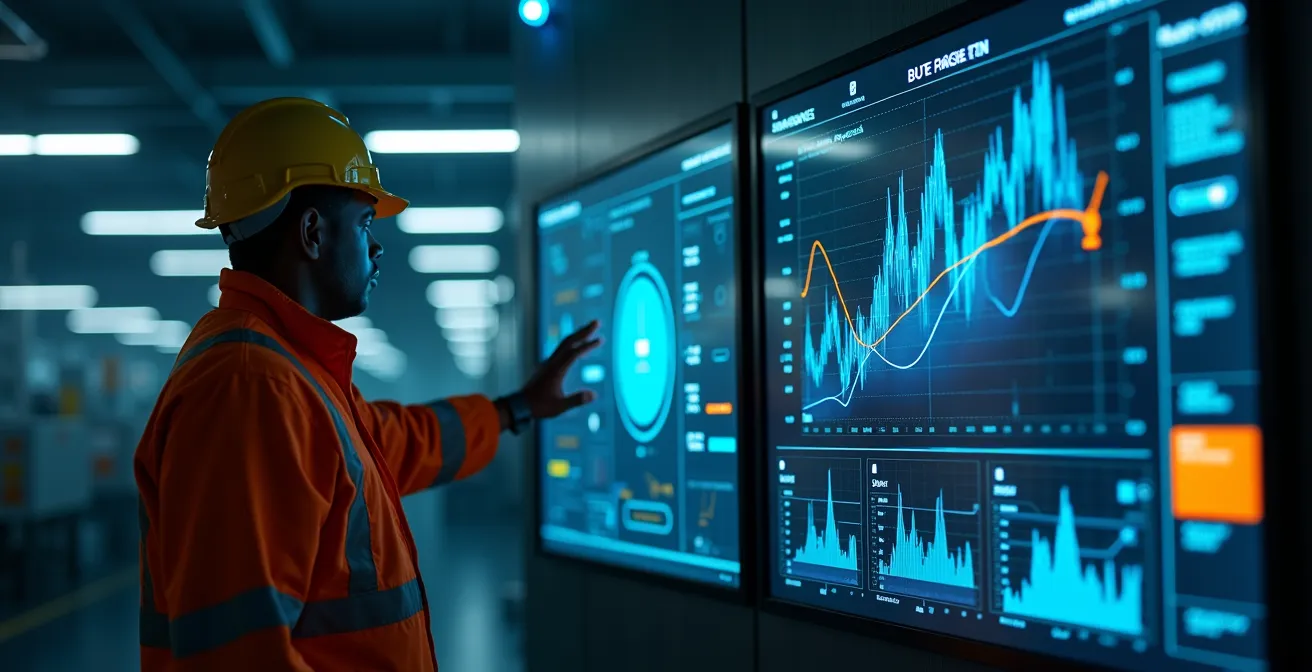
The persistent issue of “human error” in industrial settings is not a personnel problem; it’s a design problem that carries significant financial and safety liabilities.
- Confusing Human-Machine Interfaces (HMIs) are a direct cause of mistakes, as poor design forces operators into making predictable errors under pressure.
- A strategic investment in User Experience (UX) provides a measurable ROI by reducing errors, cutting training time, and decreasing costly downtime.
Recommendation: Shift focus from reactive operator training to proactive HMI design audits. Engineering out the root causes of mistakes is the most effective path to a safer and more efficient plant floor.
As an operations director, you’ve likely seen the report on your desk more times than you can count. A critical failure, a production line stoppage, or worse, a safety incident. The root cause analysis lands on a familiar conclusion: “human error.” The conventional response is equally familiar: more training, stricter protocols, another procedural checklist. But these are merely bandages on a deeper wound. This approach treats the symptom—the operator’s mistake—while completely ignoring the disease: a poorly designed Human-Machine Interface (HMI) that sets them up for failure.
For decades, the prevailing logic has been to train the human to adapt to the machine. We’ve accepted cluttered screens, illogical workflows, and ambiguous alerts as an inherent part of the industrial landscape. But what if this entire premise is flawed? What if every instance of “human error” is actually a data point signaling a critical failure in our design process? This is the central thesis of modern industrial UX research: we must stop blaming operators for navigating systems that are inherently confusing, stressful, and ergonomically flawed. The responsibility for error prevention lies not with the end-user, but with the architects of the system they use.
This paradigm shift reframes the conversation from one of personnel management to one of strategic engineering. It introduces the concept of design-induced error, where the interface itself creates cognitive tunnels and predictable failure points. The good news is that these flaws are not random; they are identifiable, measurable, and, most importantly, correctable. Investing in HMI-UX isn’t a cosmetic upgrade; it’s one of the highest-leverage investments you can make in operational safety, efficiency, and resilience.
This article will deconstruct the myth of human error and provide a strategic framework for operations leaders. We will explore the specific design flaws that cause mistakes, detail practical methods for improving interfaces without disrupting production, and demonstrate the clear return on investment that comes from placing user-centric design at the core of your operational strategy.
Table of Contents: A C-Suite Guide to Eliminating Design-Induced Error
- Why confusing dashboard layouts are a primary cause of ‘human error’?
- How to run usability tests on factory floors without disrupting production?
- Touchscreens vs Physical Buttons: which is safer for gloved operators?
- The information overload risk: limiting screen data to critical alerts only
- When to deploy HMI software updates: the safest maintenance windows
- How to declutter control panels to reduce operator reaction time?
- How to use AR glasses to let experts guide field repairs from HQ?
- Why Ugly Machinery Is Costing You Clients: The ROI of Functional Aesthetics
Why confusing dashboard layouts are a primary cause of ‘human error’?
The term “human error” suggests a random, unpredictable failure on the part of an individual. The reality is far more systematic. When an operator is faced with a cluttered, illogical, or inconsistent HMI during a high-stress event, their mistakes are not just possible; they are probable. This is the essence of design-induced error. Poorly designed interfaces overload an operator’s cognitive capacity, forcing their brain to take mental shortcuts that often lead to incorrect actions. Key information may be buried in tabs, alarm statuses can be visually indistinguishable from routine notifications, and critical process values might be scattered across multiple screens, making a holistic understanding of the situation nearly impossible.
This isn’t a theoretical problem. It’s a measurable liability. Rigorous analysis shows a direct correlation between interface quality and operator performance. For instance, research demonstrates that a properly designed SCADA interface can lead to a 58% reduction in operator errors. This happens because a good design doesn’t just present data; it presents insight. It uses visual hierarchy, color coding, and logical grouping to guide the operator’s attention to what matters most, reducing cognitive load and enabling faster, more accurate decisions.
This accumulation of poor design choices creates a form of “ergonomic debt,” a hidden liability that comes due during the most critical moments. The cost of this debt is measured in downtime, material waste, and, tragically, accidents.
Case Study: Proactive Redesign at an Oil Refinery
In 2024, a mid-size oil refinery initiated a complete overhaul of its control room HMI after a series of near misses. Their legacy system overloaded operators with a constant stream of non-prioritized alarms and dispersed critical process data across several disconnected screens. By partnering with UX specialists, they implemented context-aware alarm grouping and hierarchical displays that focused on actionable insights rather than raw data streams. This shift from a data-dump to a decision-support system fundamentally reduced the cognitive burden on operators, directly improving plant safety and operational stability.
Ultimately, a confusing dashboard is not a neutral tool; it is an active catalyst for failure. It creates an environment where the path of least resistance for a stressed operator is the wrong one. Recognizing this is the first step toward building a truly resilient and safe operation.
How to run usability tests on factory floors without disrupting production?
The idea of bringing UX researchers onto an active factory floor often raises immediate concerns about safety and production disruptions. This is a valid worry, but it stems from a misunderstanding of modern industrial usability testing. The goal is not to interfere with live operations but to gather critical insights in a controlled, non-intrusive manner. Effective testing prioritizes context and realism without ever compromising production schedules or personnel safety. The key is to bring a simulated version of the work to the worker, not the other way around.
This can be achieved through a variety of low-impact methods. Instead of testing on live machinery, teams can use tablets loaded with interactive prototypes or even simple paper mockups. These tests can be conducted during shift changes, in break rooms, or in designated training areas, allowing operators to walk through new workflows in a relaxed and safe environment. This approach not only prevents disruption but often yields more honest feedback, as operators aren’t under the pressure of managing a live process.
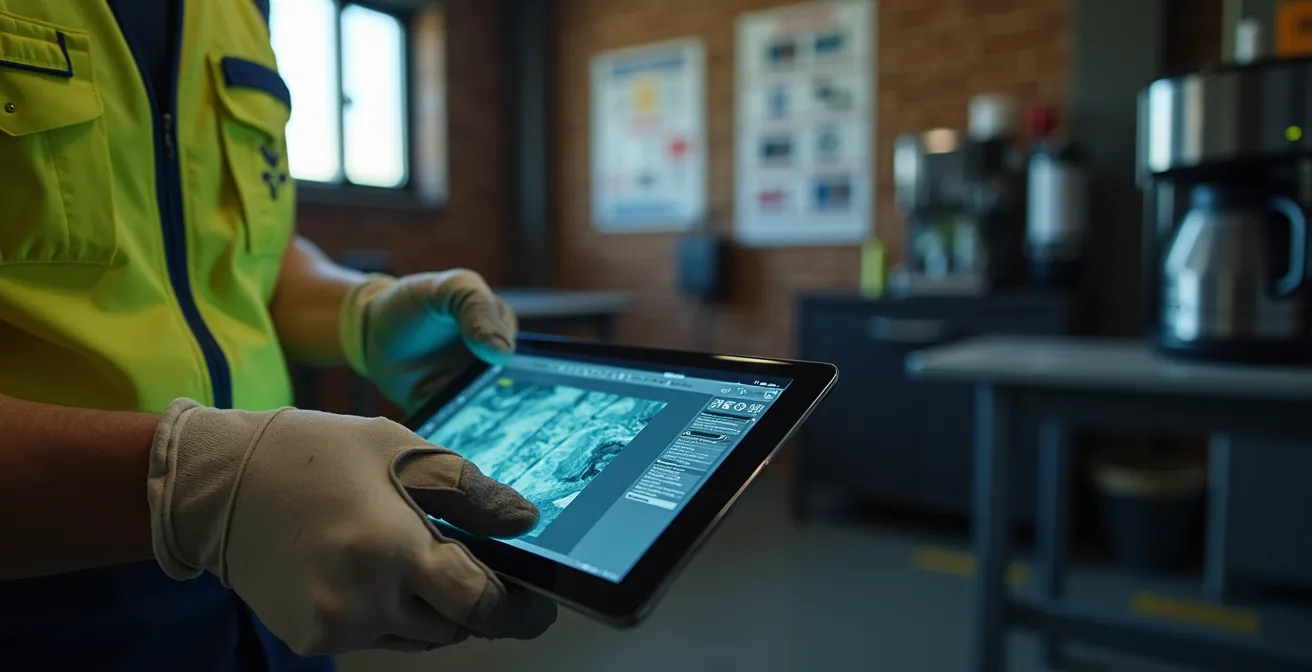
As the image above illustrates, this kind of testing is accessible and human-centric. The focus is on understanding the operator’s thought process. Other powerful, non-disruptive techniques include:
- Create low-fidelity prototypes: Use paper or interactive mockups on tablets to test new workflows in common areas like break rooms, away from the production line.
- Map the user journey: Before building anything, thoroughly analyze an operator’s mindset, pain points, and objectives at each step to identify potential areas of confusion.
- Develop data-driven personas: Create detailed profiles of typical users to ensure the design process remains centered on their specific needs and skill levels.
- Analyze interaction logs: Passively review HMI data logs to pinpoint where operators hesitate, use workarounds, or encounter frequent errors, all without direct observation.
By employing these methods, you can gather invaluable, real-world data on how your HMI will perform before a single line of code is deployed on a critical machine. This de-risks the development process and ensures that the final product enhances, rather than hinders, operator performance.
Touchscreens vs Physical Buttons: which is safer for gloved operators?
I once worked with an HMI that hid technician-level settings in a menu that could only be accessed by pressing the upper-right corner of the screen for 5 seconds!
– Natalie Co, MISUMI Industrial Electronics Division
The debate between touchscreens and physical buttons is not about which is “better” in the absolute, but which is safer and more effective for a specific task and context. This decision has profound implications for operator safety, especially for those wearing gloves or working in harsh environments. The choice maps directly onto two different modes of human cognition: the rapid, instinctual “System 1” thinking and the slower, more deliberate “System 2” analysis. Physical buttons excel at activating System 1, while well-designed touchscreens are tools for System 2.
A large, red, physical emergency stop button requires no interpretation. Its function is learned once and becomes a pure reflex action—perfect for critical safety functions where milliseconds matter. The tactile feedback of a button click confirms the action without requiring visual confirmation. Conversely, a touchscreen is ideal for complex, multi-step processes like configuring a batch recipe or analyzing diagnostic trends. It offers flexibility and the ability to display vast amounts of contextual information, engaging the operator’s analytical capabilities. The danger arises when designers misapply these tools, such as burying an emergency function within a touchscreen menu or cluttering a control panel with dozens of physical buttons for non-critical settings.
While modern touchscreens have made huge strides in usability, including glove-friendly capacitive layers, the fundamental difference in interaction remains. A physical button provides an unambiguous target and confirmation, reducing the risk of accidental activation that can occur on a sensitive touchscreen.
| Feature | Touchscreens | Physical Buttons |
|---|---|---|
| Market Share (2024) | Dominant share of the HMI market | Smaller but essential market share |
| Error Rate Reduction | Multi-touch gestures can cut error rates in complex tasks like batch changeovers | Lower risk of accidental activation, providing high reliability for single actions |
| Glove Compatibility | Glove-friendly capacitive layers are increasingly standard but can vary in reliability | 100% reliable with all types of protective gloves |
| Growth Rate | Standard market growth | Future growth being reshaped by AR/VR interface integration |
| Best Use Case | Complex monitoring, data analysis, and system configuration | Emergency stops, critical start/stop actions, and simple, repetitive tasks |
A safe and efficient HMI strategy does not choose one over the other; it leverages both. It uses physical buttons for high-consequence, reflexive actions and reserves the powerful flexibility of touchscreens for complex, analytical tasks. This hybrid approach respects the cognitive strengths of the operator, leading to a system that is both powerful and inherently safer. The market data, as shown in an analysis of the HMI industry, confirms that while touchscreens are dominant, the need for robust physical and alternative interfaces remains critical.
The information overload risk: limiting screen data to critical alerts only
In the digital age, it’s tempting to believe that more data is always better. In the context of an industrial HMI, this belief is not just wrong; it’s dangerous. Flooding an operator’s screen with a constant stream of raw data, non-critical alerts, and fluctuating process variables creates a state of chronic information overload. This digital noise masks the critical signals, making it significantly harder to spot a genuine problem when it arises. The human brain, when overwhelmed, enters a state of “attentional tunneling,” where it focuses on one piece of information to the exclusion of all others—even if that one piece is not the most important.
A well-designed HMI acts as an expert filter, not an open firehose. Its primary job is to translate complex data into clear, actionable insights. This means prioritizing information relentlessly. Instead of displaying a dozen temperature readings, it should show a single, clear “Overheating” alert when a threshold is breached. It should suppress low-priority notifications during a critical event to allow the operator to focus on the immediate crisis. This “less is more” philosophy is not about hiding information; it’s about revealing what is most important with absolute clarity.
The operational benefits of this approach are substantial. By reducing cognitive load, operators can detect, diagnose, and react to problems faster. This directly translates into reduced downtime and improved safety. Modern HMIs are increasingly leveraging artificial intelligence to enhance this filtering process. AI algorithms can analyze thousands of data points in real-time to perform advanced fault detection, bubbling up only the most relevant insights to the operator. This proactive approach leads to significant gains; an industry report on HMI trends notes a 15-20% reduction in downtime with AI-enhanced HMIs that excel at this kind of intelligent filtering.
Ultimately, the goal of an HMI should be to provide situational awareness at a glance. An operator should be able to look at the screen and answer the question, “Is everything okay?” within seconds. If the answer is no, the screen should immediately guide them to the source of the problem and the recommended course of action. Anything that detracts from this core function is not just a distraction; it’s a liability.
When to deploy HMI software updates: the safest maintenance windows
Deploying a software update to a critical HMI is not a simple IT task; it’s a major operational event that carries significant risk. An improperly managed update can introduce new bugs, confuse operators with an unfamiliar interface, and lead to immediate production losses or safety incidents. The timing and process of the deployment are just as important as the quality of the update itself. The safest maintenance windows are not just about finding a time when production is low; they are about creating a structured transition that prioritizes operator preparedness and system stability.
The ideal deployment is a carefully choreographed event. It should be scheduled during planned downtime or coordinated with shift changes to maximize opportunities for peer-to-peer learning and support. The worst approach is a “big bang” rollout where a new system is pushed to all machines simultaneously with little warning. A far safer strategy is a phased or “canary” release, where the update is first tested on a single, non-critical production line. This allows the team to identify and resolve any unforeseen issues in a low-risk environment before a full-scale deployment.
Furthermore, the human element cannot be an afterthought. Operators must be prepared and supported throughout the transition. This goes beyond a simple email notification. Effective preparation involves micro-training sessions, one-page quick-reference guides posted at workstations, and ensuring that expert support is physically present on the floor during the first few shifts after the update goes live. Equally crucial is having a robust and tested rollback plan. If a critical issue is discovered post-deployment, the team must be able to revert to the previous stable version within minutes, not hours.
Your Audit Checklist for Safe HMI Update Deployment
- Pre-Deployment Communication: Have one-page quick guides been created and distributed to all affected operators at least 48 hours before the update?
- Targeted Training: Are micro-training sessions scheduled during shift overlaps to explain key changes and answer questions directly?
- On-Site Support: Is an HMI expert or super-user scheduled to be on the factory floor for the first full shift after the update is deployed?
- Phased Rollout: Has the update been tested on a single, non-critical production line (Canary Release) to identify issues before a full rollout?
- Reversion Plan: Is there a secure, tested rollback feature that allows for an immediate reversion to the previous stable version if critical problems arise?
Treating HMI updates with this level of operational discipline transforms them from a high-risk necessity into a controlled process of continuous improvement. It respects the fact that the most important component of the system is the human operator, whose confidence and competence are paramount.
How to declutter control panels to reduce operator reaction time?
Strong HMI design always centers around three core principles: Situational awareness – helping users instantly understand what’s happening; Clarity – making complex data simple to understand to reduce cognitive load; and Responsiveness.
– Eleken Design Team, HMI Design Guide 2026
A cluttered control panel is a direct inhibitor of fast reaction times. When an operator is confronted with a dense field of buttons, lights, and labels, they are forced to engage in a visual search-and-identify process before they can even begin to act. This brief but critical delay, multiplied over thousands of interactions, adds up to significant operational inefficiency and increased risk during an emergency. Decluttering is not about minimalism for its own sake; it’s a strategic process of improving information hierarchy to accelerate the “see-decide-act” cycle.
The process begins with a ruthless audit of every element on the panel based on frequency and criticality of use. Controls that are used frequently or are essential in an emergency (e.g., Start, Stop, Emergency Off) must be given the most prominent positions, sizes, and colors. Controls for infrequent tasks like setup or maintenance should be grouped together and placed in less prominent areas, or even moved into a secondary digital interface. This follows the design principle of progressive disclosure, where complexity is hidden until it is explicitly needed.

Physical layout and tactile feedback are also critical tools for decluttering. Grouping related controls together within a defined physical boundary helps the brain create a mental map of the panel. Using different button shapes, sizes, or textures for different functions provides valuable tactile cues, allowing an experienced operator to locate a control by feel without taking their eyes off the process. The goal is to create a panel that can be operated through muscle memory, not conscious thought, especially for the most common and critical tasks.
Ultimately, a decluttered panel embodies clarity and purpose. Every element has a reason for being where it is, and its importance is communicated instantly through its position, size, and form. This is the foundation of situational awareness—a state where the operator can instantly understand what is happening and what they need to do next, without being slowed down by visual noise.
How to use AR glasses to let experts guide field repairs from HQ?
The traditional model for expert-level repairs involves flying a specialist to a remote site, a process that is slow, expensive, and results in extended downtime. Augmented Reality (AR) glasses are fundamentally disrupting this paradigm by enabling “remote expert” guidance. This technology allows a technician on the factory floor to share their first-person view with an experienced engineer back at headquarters. The remote expert can then overlay digital information—such as schematics, instructional arrows, or torque specifications—directly onto the technician’s field of vision, guiding them through a complex repair step by step.
This “see-what-I-see” capability transforms troubleshooting and maintenance. It dramatically reduces the time to resolution, eliminates travel costs, and serves as a powerful on-the-job training tool, upskilling local technicians with expert knowledge in real time. Instead of trying to interpret a complex manual, the field technician receives clear, contextual, and interactive instructions. This is particularly valuable for tasks involving machinery with hidden components, as the remote expert can use AR to display a virtual overlay of internal piping or wiring.
Study: XR-Based Robot Programming
An MDPI study focused on using extended reality (XR) for robot programming found that this method resulted in significantly faster commissioning times and lower downtime compared to traditional programming with handheld pendants. The AR-equipped headsets provided technicians with spatial overlays, allowing them to visualize robot paths, hidden piping, and live analytics directly in their physical environment, accelerating both setup and troubleshooting processes.
This technology is rapidly moving from a niche concept to a scalable industrial tool. Market analysis indicates that immersive technologies like AR and VR are at the forefront of HMI innovation, with AR/VR interfaces scaling fastest at an 18.7% CAGR. For an operations director, this represents a powerful new lever for maximizing asset uptime and leveraging your most valuable resource—expert knowledge—across the entire enterprise, regardless of geography.
The implementation of AR is more than a technological upgrade; it’s a strategic shift in how knowledge is distributed and applied within an organization. It breaks down geographical barriers and ensures that every technician has immediate access to the best possible support when they need it most.
Key Takeaways
- “Human error” is most often a symptom of poor HMI design, not a failure of personnel.
- Investing in UX is a measurable strategy to reduce downtime, cut training costs, and prevent safety incidents.
- Effective HMI design prioritizes clarity over data volume, using principles of information hierarchy to guide operator attention and reduce cognitive load.
Why Ugly Machinery Is Costing You Clients: The ROI of Functional Aesthetics
It’s a common belief in heavy industry that aesthetics don’t matter—as long as the machine works, its appearance is irrelevant. This is a dangerously outdated perspective. In today’s market, the design of your machinery’s HMI is a powerful signal about your company’s commitment to quality, safety, and innovation. An interface that looks dated, cluttered, and unprofessional—”ugly”—does more than just frustrate operators; it actively undermines your business. It can be a deciding factor when a potential client is touring your facility, comparing your operation to a competitor with modern, clean, and intuitive systems.
This is the concept of functional aesthetics: the idea that good design is not mere decoration but a reflection of underlying quality. A clean, well-organized HMI suggests a well-run, detail-oriented, and safe operation. Conversely, a chaotic interface implies a chaotic process, raising doubts about your ability to deliver consistently and safely. This perception has a direct impact on client confidence and employee morale. Operators who are proud of their tools are more engaged, and clients who are impressed by your operational sophistication are more likely to sign contracts.
The return on investment from improving HMI design is not an abstract concept; it can be quantified. By calculating the tangible savings from reduced errors, faster training, and decreased troubleshooting time, you can build a powerful business case for a UX overhaul. This isn’t an expense; it’s an investment in operational excellence that pays dividends in safety, efficiency, and brand perception.
- Calculate time saved on operator training: Well-designed systems are more intuitive, often leading to a significant reduction in required training hours (some studies show up to a 64% reduction).
- Measure time saved on diagnostics: A clear interface that highlights problems allows for faster troubleshooting, directly reducing downtime.
- Quantify reduced error costs: As we’ve seen, improved UX can reduce operator errors by over 50%, saving costs associated with material waste, rework, and safety incidents.
- Factor in improved employee retention: Better tools lead to higher job satisfaction, reducing the high cost of employee turnover and recruitment.
- Calculate Total ROI: Subtract the total UX project cost from the combined, quantified savings to demonstrate the clear financial benefit.
In the end, the “look and feel” of your machinery is a critical component of your company’s value proposition. An investment in functional aesthetics is an investment in the perceived and actual quality of your entire operation.
The next logical step is to stop managing errors and start engineering them out of your system. Begin by auditing your most critical HMI against these design principles today to build a safer, more productive, and more profitable operation.